If you've ever received UGC content from creators that missed the mark entirely, triggered three rounds of revisions, and couldn't run as a paid ad, the brief is usually where things went wrong.
Wasted ad budget, and off-brand deliverables are the inevitable result of a bad brief.
The good news is that a strong UGC brief is a skill, not a talent, and once you have the right structure in place, it becomes a reliable asset in your creative production process.
In this guide, we break down exactly what a winning UGC brief looks like. Plus, we've included a free UGC brief template which you can download and use straight away.
TL;DR:
A UGC brief that gets results contains these key components:
- Do your creative research first. Check competitor ads in Meta Ad Library and organic TikTok/Instagram content in your vertical before you write a single word.
- Lead with brand and product context. Specify the exact pain point, USP, and target audience.
- Request modular deliverables. Ask for raw footage, a base edited video, 2+ alternative hooks, and a swappable CTA, not one finished video.
- Script the structure, not every word. Provide a scene-by-scene storyboard for paid content but let creators express it in their own voice.
- Keep it concise. Briefs that are too long increase the risk of creators overlooking critical instructions.
What Is a UGC Brief?
A UGC brief is a structured document that tells a creator exactly what to film and how to film it.
It covers product context, the concept, scene-by-scene direction, technical deliverables, and visual references. Everything a creator needs to produce content that can go straight into your paid media rotation without costly back-and-forth.
Why Traditional UGC Briefs Fail
The most common flaw in a UGC brief is asking for a single, finished video.
Briefing a creator this way means you’re betting your entire test on one execution. There’s no hook variation to A/B test, no raw footage for your team to remix, and no modular assets to feed into Meta’s creative engine. When that one video underperforms, or comes back off-brief, you restart from zero.
How to Write a UGC Brief
Follow this process to write a winning UGC brief:
Step 0: Do Your Creative Research First
Before writing a UGC brief, creative research is non-negotiable.
Start by opening Meta Ad Library and searching your competitors by brand name. Study what formats are running, what hooks they’re using, and what landing pages they’re driving traffic to.
Then search your product vertical on TikTok and Instagram to spot trending formats and visual styles. This research feeds directly into your hook angles and UGC video concepts. Without it, your brief is built on guesswork.
1. Brand & Product Context
Lead your UGC brief with the product details. Creators often skim documents, and if they miss your product context it will show on screen. Specify the exact pain point the product solves, your primary USP, price point, and the audience you’re targeting. Don’t describe the category, describe the customer moment.
Here's a UGC brief example of how product context should and shouldn't be written:
❌ Weak: We sell a Vitamin C serum for women.
✅ Strong: We sell a $40 Vitamin C serum targeting women 25-35 who struggle with dull, uneven skin tone. Our USP is a 15% stabilised Vitamin C formula that absorbs in under 30 seconds with no greasy residue.
2. Technical Deliverables
Vague deliverable requests are the number-one source of disorganised content drops and wasted editing hours.
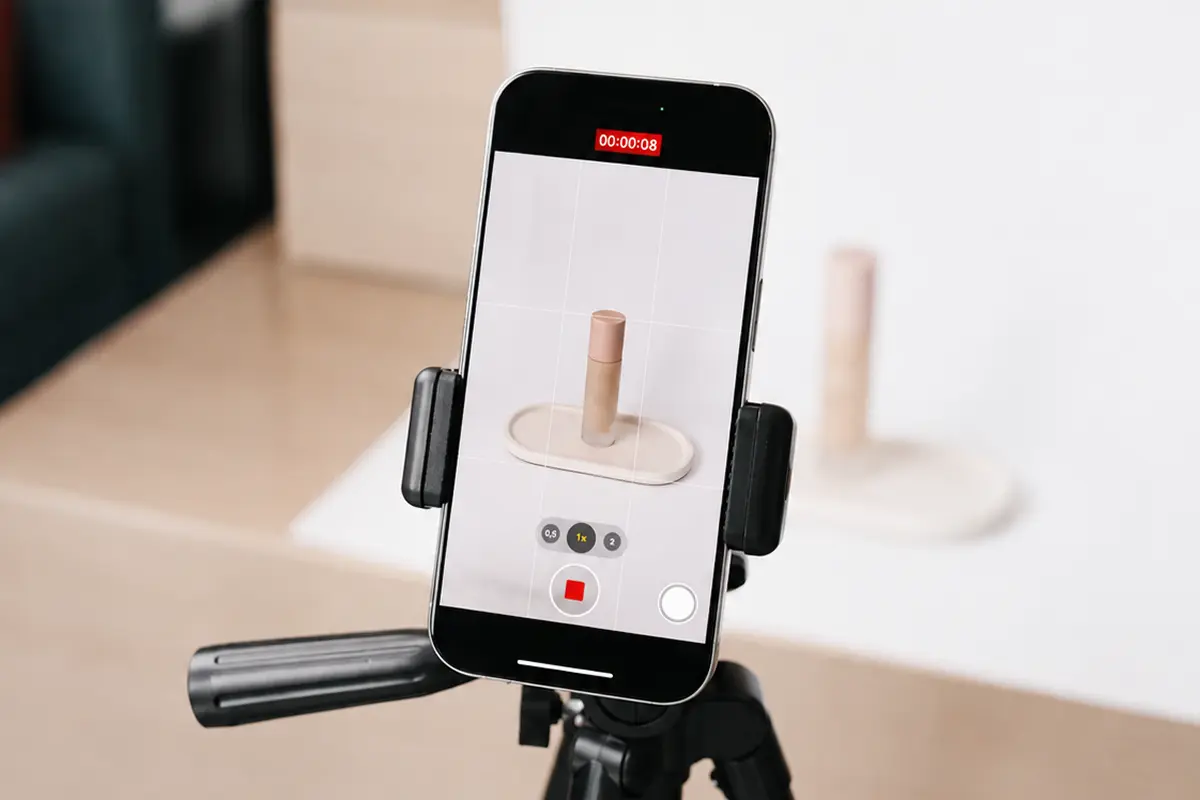
Always request raw (unedited) footage. Edited content from a creator is rarely usable for paid media as-is, and raw footage gives your team the flexibility to cut it how it needs to be cut.
Specify every requirement in your UGC brief, including file organisation. Ask creators to submit raw footage, hooks, and B-roll in separate, labelled folders.
Technical checklist example to include in every UGC brief:
☐ Format: 9:16 vertical, .MP4, 1080p minimum at 60fps (4K preferred)
☐ Camera: Shot on back camera only - no selfie camera
☐ Duration: 15-30 seconds for the base edited cut
☐ Modular breakdown: 1 fully edited base video + 2 alternative visual hooks (first 3 seconds) + 1 alternative CTA (final 3-5 seconds)
☐ Raw content: All unedited clips (B-roll, bloopers, alt takes) submitted as separate files
☐ UI safe zones: Keep faces, product, and core action away from top, bottom, and right edges (TikTok/Reels UI overlap)
☐ Audio: Clear native voiceover only. No platform-native audio, background music, or auto-captions. Your team adds licensed audio and captions in Ads Manager.
☐ File delivery: Three folders: /raw, /hooks, /b-roll. Label each file: hook_01.mp4, hook_02.mp4
3. Visual Guardrails & References
Include links to 2-3 of your best-performing ads as visual benchmarks.
If you need a specific camera angle or framing, add a screenshot directly in the brief alongside the scene description. Text alone rarely communicates visual intent.
A Pinterest mood board is another efficient option for conveying lighting, colour tone, and aesthetic direction.
Visual Rules:
Dos: Shoot facing a window (natural light). Wipe camera lens before filming. Show the product within the first 3 seconds.
Don’ts: No platform-native text overlays (your team adds these in Ads Manager). No visible branding from other companies on clothing. Zero beauty filters.
4. The Storyboard
For content going into paid media, a scene-by-scene storyboard is non-negotiable. Without it, you’re exposed to any kind of output. That said, a good brief scripts the structure and the message, not every word.
Instruct creators to deliver the key points in their own voice, not to read line by line. The best-performing UGC sounds like a person talking, not an actor performing.
Structure every brief around three modular sections:
- Hook (0–3s): The first three seconds determine whether someone stops scrolling. Give the creator a visual action and an opening message. Both the visual and the words need to earn attention independently. Provide at least two hooks with different pain points, angles, and locations (more on this below).
- Body (3–15s): This is where you present the problem and introduce the product as the solution. Reference the specific USP from your product context section. You can include an optional unscripted moment here. Ask the creator to describe their experience in their own words. It gives you an authentic clip to cut in if the scripted version sounds forced.
- CTA (15–25s): One direct command. “Tap the link below to get 20% off your first bottle.”
5. Brief Multiple Hooks for A/B Testing
Request at least two hooks per video and make sure they are genuinely different.
Hook 1 and Hook 2 should address different pain points or speak to different audiences. Critically, the visual action in each hook also needs to differ: different angle, location, or format.
This matters more now than ever. Meta’s Andromeda system reads creative at the pixel level.
If two hooks share similar framing, location, and composition, Andromeda treats them as redundant and suppresses one, wasting your A/B test entirely.
Hook 1 could be a handheld close-up in the kitchen; Hook 2 could be a green screen or a wide outdoor shot. The visual difference is what makes them testable as distinct concepts, not just different voiceover lines over the same background.
The hook is where 50% of your creative strategy time should go. If someone stops and watches past the first three seconds, the rest of the ad just needs to deliver on the promise. Get the hook wrong and nothing else matters.
The UGC Brief Template
Looking to save time? We’ve got you covered. Download this free UGC brief example and fill in the fields for your campaign.
3 Common Mistakes When Briefing Creators
Avoid these common mistakes when briefing creators:
1. Over-scripting. Giving creators a word-for-word script produces stilted, unnatural delivery. Brief the message and the structure; let the creator own the words. As long as they hit the key USP and the timing, the exact phrasing can reflect their natural style and voice.
2. Being too vague. “Just be natural and show the product.” Without a concept, a pain point, and a scene structure, the creator is guessing. Vague briefs lead to off-brand, off-strategy content that you can’t use.
3. Ignoring usage rights and logistics. If your UGC brief doesn’t specify usage rights (paid media, organic, whitelisting), file delivery format, and deadlines, you’ll negotiate all of this after the content arrives. That negotiation adds cost and delays. Put it in the brief so there’s no ambiguity.
How to Scale Your UGC Briefs with Insense
Writing a strong UGC brief is straightforward once you know how. However, managing 50 of them across multiple campaigns and creators, via email and Google Docs, is time consuming.
Without a centralized workflow, your team can lose 40+ hours a month managing communication, contracts, payments, and chasing content.
Insense was built to streamline the process and return critical hours to your schedule.
Source content from 115,000+ vetted creators across 57+ countries in our creator marketplace, receive applications within 48 hours, and get fully-licensed edited and raw footage delivered within 14 days.
Contracts, payments, and usage rights are automated. Meta Partnership Ads and TikTok Spark Ads are built into the workflow, no separate whitelisting process.
Over 3,500 DTC brands and agencies already use Insense to run UGC at scale. Book a demo or try it free at insense.pro.
.webp)
FAQs
Still have questions about writing a UGC brief? Here are some reference points:
How do you write a UGC brief?
Focus on these four sections: brand and product context, technical deliverables, visual guardrails, and a scene-by-scene storyboard.
What should you include in a UGC brief?
Product details (pain point, USP, price, target audience), a full technical deliverables checklist, visual references and dos/don’ts, a modular storyboard with separate hook/body/CTA sections, and usage rights plus file delivery instructions.
How long should a UGC brief be?
Long enough to eliminate ambiguity, short enough to be read in full. Keep the whole document under 2 minutes of reading time.