YouTube Shorts serve well over 200 billion daily views, and Google has been steadily opening up more ad inventory inside that feed. For brands running YouTube Shorts advertising, that's an opportunity, but only if the creative reflects how people watch Shorts.
A Shorts ad lives between two organic videos in a fast, swipe-driven feed, and viewers treat it exactly like the content around it: if it doesn't earn attention in the first couple of seconds, it's gone.
This guide covers YouTube Shorts Ads best practices, the current ad specs, and a practical framework for how to run YouTube Shorts ads that are built to convert rather than get swiped past.
TL;DR
The breakdown of YouTube Shorts ads best practices before you brief a creator:
- YouTube Shorts ads run as vertical (9:16) video between organic Shorts, and Google generally recommends keeping them under 60 seconds even though longer assets remain technically eligible to serve.
- Shorts ads are skippable instantly via swipe. There's no 5-second countdown like standard in-stream ads, so the opening seconds carry the entire weight of the ad.
- Creative repurposed from horizontal in-stream ads tends to underperform on Shorts; native-feeling, vertical-first creative consistently does better.
- The strongest YouTube Shorts advertising performs across a handful of proven formats: demos, problem-solution, testimonial videos, before-and-afters, and comparisons - each suited to a different stage of the buyer's decision.
- Winning at scale on Shorts is less about one great ad and more about a system for producing multiple creators, hooks, and angles fast enough to keep testing.
What Are YouTube Shorts Ads?
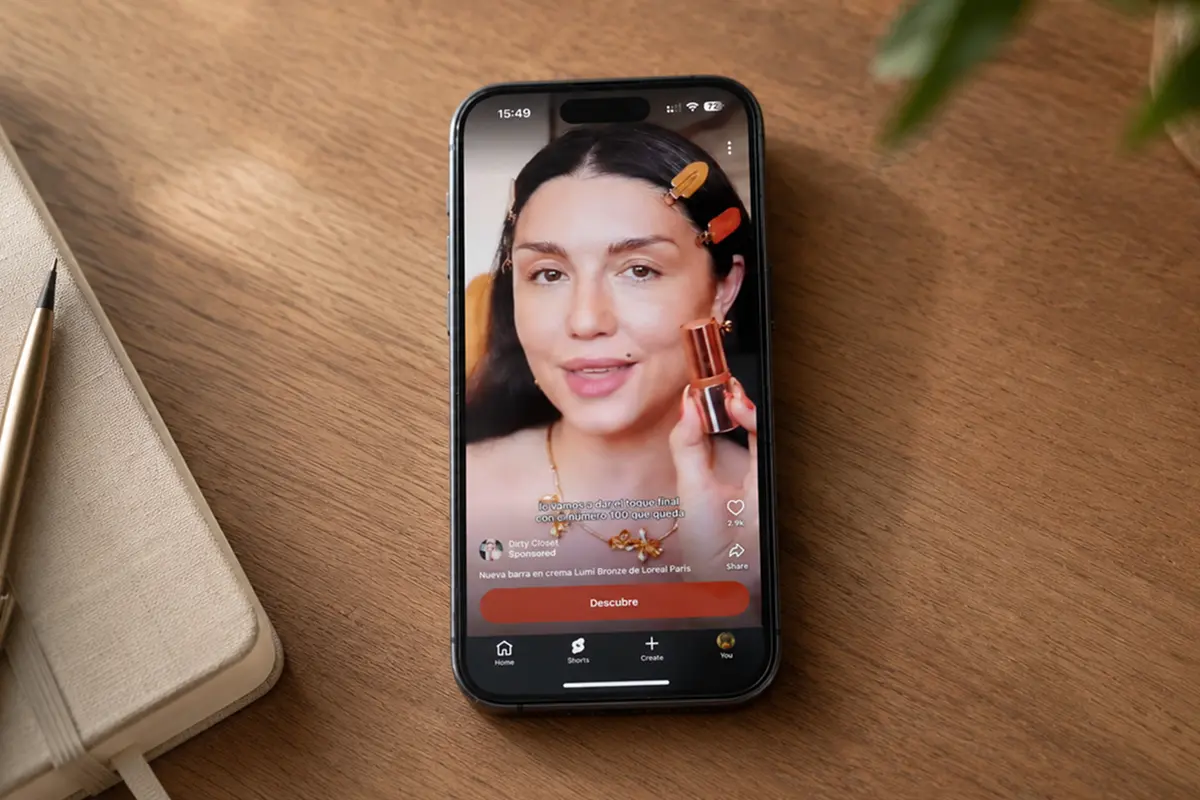
YouTube Shorts ads are vertical video ads that Google Ads serves between organic Shorts in the Shorts feed, as well as on TV screens, tablets, and desktop. They're bought primarily through Video Reach and Video View campaigns in Google Ads, with Demand Gen, Performance Max, and App campaigns able to include Shorts as part of their broader delivery.
Whatever the campaign type, Shorts ads carry the same swipeable, sound-off-friendly, full-screen format viewers expect from the rest of the feed.
YouTube Shorts Ad Specs
At a glance, per Google's official specs:
- Aspect ratio: vertical 9:16 is prioritized (1080×1920 recommended); horizontal and square assets are accepted but not prioritized, and Google's Video Enhancement feature can auto-generate a vertical cut if you only upload a horizontal file, though a purpose-built vertical asset consistently outperforms an auto-cropped one.
- Length: Google recommends keeping Shorts ads under 60 seconds to match viewing behavior. Longer assets remain technically eligible to serve, but only the front portion plays before an overlay invites viewers to finish watching on the regular YouTube watch page, so treat 60 seconds as your practical ceiling.
- File size and format: up to 256GB, in common formats like MP4, MOV, and WebM, with audio embedded in the video file itself (standalone audio files aren't accepted).
- Skippability: Shorts ads can be skipped immediately by swiping. There's no forced viewing window, which is exactly why the opening seconds matter so much (more on that below).
- CTA and text: a short headline and description (roughly 90 characters each) plus a CTA button that appears a few seconds into the ad.
Why YouTube Shorts Ads Need Different Creative
Shorts ads sit inside a fast, swipe-based feed, not a passive viewing session. Viewers are already primed to move on to the next video the instant something feels off, which means creative built for other placements tends to work against you here.
In Google's own review of thousands of Shorts ads, one finding stood out consistently: people don't hesitate to swipe away videos that bore them, whether they're organic or paid, and a subtle, native tone consistently outperforms a hard sales pitch.
All these creative mistakes are worth avoiding when making YouTube Shorts:
- A slow logo intro or brand-first opening gives the viewer a natural moment to swipe before they've seen anything worth staying for.
- A highly polished, clearly “produced” ad can look disconnected from the native, handheld content sitting right next to it in the feed. Google's own guidance leans toward ads that blend in rather than visibly interrupt.
- Cropping a landscape ad into a vertical frame often creates dead space above and below the subject, or crops out the product, packaging, or text that made the original ad work.
- A vague hook (one that opens on mood or atmosphere instead of a clear idea) wastes the two to three seconds you actually have before most viewers decide whether to stay.
- A late product reveal asks viewers to sit through setup before they understand what's being sold, and on Shorts, most won't wait that long.
- Producing one finished video and calling it done gives your media team almost nothing to test: no alternate hooks, angles, or creators to compare against each other.
How to Create YouTube Shorts Ads That Convert
Specs and formats aside, how to run YouTube Shorts ads that actually convert comes down to a handful of creative habits, applied consistently:
Start with one clear angle
Every high-performing Shorts ad is built around a single idea. One problem, one product benefit, one offer, rather than trying to cover everything the product does.
Plan multiple creative variations
Because Shorts rewards native, fast-moving content, no single video stays the “winning” ad forever.
Build variation into your production process from the start: different creators, different hooks, different product angles, different video bodies, different CTAs, and different offers. Treat each of these as a variable you can test and swap independently.
Hook the viewer in the first 2 to 3 seconds
This is the single highest-leverage moment in a Shorts ad. Open on the most interesting visual or the most specific claim you have: a result, a reaction, a bold statement, a question - rather than a slow build.
Make the ad feel native to the Shorts feed
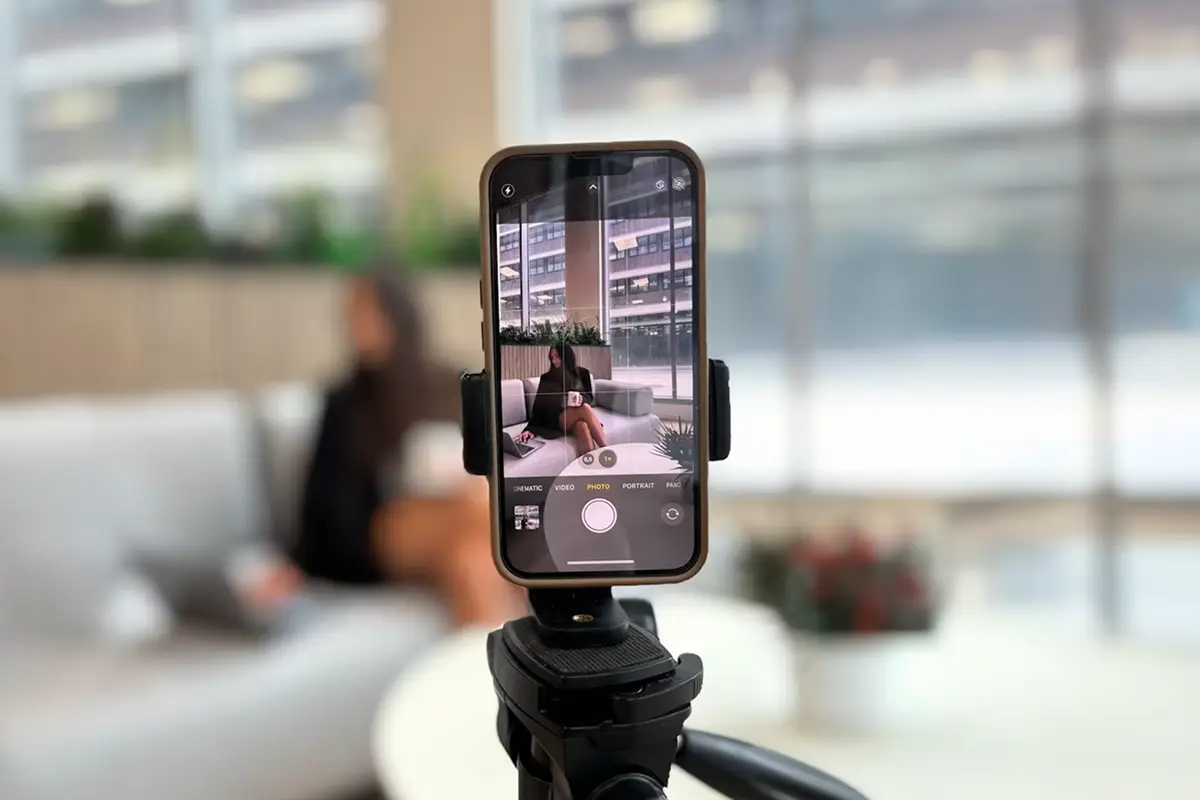
Shoot vertically, shoot handheld or on a phone where it makes sense, and let the ad look like it belongs next to the creator content around it.
Show the product early
Don't make viewers wait for the reveal. Whether it's a demo, an unboxing, or a before-and-after, get the product on screen doing something interesting well before the midpoint of the video.
Use captions and text overlays for fast scanning
Many Shorts are watched with the sound off, especially in public or while quickly scrolling. Captions and short text overlays let your message land even when audio isn't playing, and help viewers scanning quickly confirm what the ad is about.
Use sound, but do not depend only on sound
Sound design, voiceover, and music still add a lot, but they can't be the only way your message gets across. Build the ad so it works with the sound off, then use sound to reinforce it.
End with one clear CTA
Close on a single, specific action: ‘shop now’, ‘learn more’, ‘try it’. Google's own analysis of high-performing YouTube ads points to the same pattern: the best-performing videos tend to be direct about what they want the viewer to do next.
Best YouTube Shorts Ad Formats for Brands
A handful of formats consistently perform well in the Shorts feed, each suited to a different part of the funnel:
Product demo. A product demo video shows the product doing the thing it's supposed to do, e.g. removing, covering, highlighting, transforming. This format works because it doubles as proof and as content people would watch even outside an ad context.
Problem-solution ad. Opens on a relatable frustration, then positions the product as the fix. Works well when the pain point is instantly recognizable, since the viewer feels seen before they feel sold to.
Creator testimonial. A creator talks through their real experience with the product, in their own voice and setting. This is one of the best-suited formats for Shorts specifically, since it mirrors exactly the kind of content already in the feed. Google itself points to UGC-style, creator-led ads as some of the strongest performers on Shorts.
Before-and-after ad. A before and after video shows a clear, visible transformation - a result the product delivers, shown side by side or in sequence. It works especially well on Shorts because the payoff is built into the format itself: even a viewer who swipes away before the CTA still walks away having seen proof the product works.
Comparison ad. Puts the product head-to-head against an alternative or the status quo, which works well when a brand's edge is easy to show side by side.
How Insense Helps Brands Produce YouTube Shorts Ads
The bottleneck for most brands running YouTube Shorts advertising is supply.
Winning on Shorts means finding new creators for more content, yet most in-house teams can't brief, source, and turn around that much native creative fast enough to keep a paid media team fed.
Insense works as the creator engine behind your existing stack. With a global marketplace of 115,000+ vetted creators that your team can brief directly using our interactive creative brief, run repeat collaborations with, and turn into a steady pipeline of Shorts-ready assets.
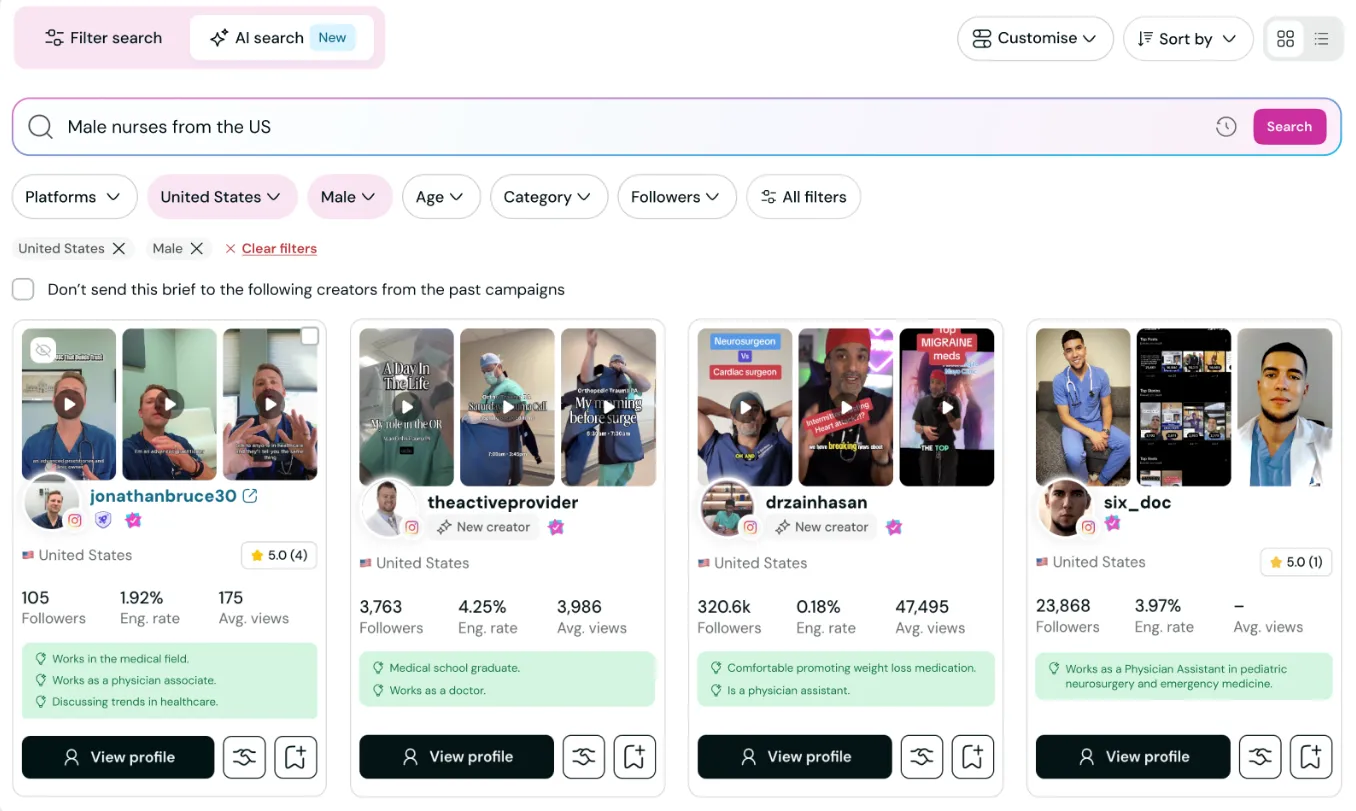
Creator applications typically come in within 48 hours, and our interactive creative brief tool means brands can prompt for multiple hooks, product angles, and CTAs upfront by asking for raw footage.
Over 3,500 DTC brands and agencies already use Insense to run UGC at scale. Book a demo or try it free today.
FAQs
Quick answers to the questions we hear most about running ads on YouTube Shorts:
What is the best length for YouTube Shorts ads?
Keep it under 60 seconds. Google's guidance is built around how people watch Shorts: in short, fast bursts - and while longer videos remain technically eligible to run, anything much past a minute works against the format rather than with it.
What aspect ratio should YouTube Shorts ads use?
Vertical 9:16 at 1080×1920 is the recommended and prioritized format. Horizontal and square creative can still run, but vertical, purpose-shot assets consistently perform better than auto-cropped alternatives.
Can I use TikTok or Reels videos for YouTube Shorts ads?
Technically, yes. The vertical format is compatible. But content built specifically for TikTok or Reels often carries platform-specific pacing, music, or on-screen text placement that doesn't translate cleanly, so treat repurposed content as a starting point to adapt rather than a like-for-like swap.
Do YouTube Shorts ads need captions?
Yes. A meaningful share of Shorts are watched without sound, and captions make sure your hook and CTA land regardless of whether the audio is playing.